
 asdasdas
Standard Business Cards
{{ selected_print_run }} standard business cards from {{ formatBalance(selected_item.final_price.price / selected_print_run) }} EUR (PRICE FOR 1 PCS excl. VAT)
Търсим подходящия продукт, моля изчакайте...
Loading...
Loading...
Loading...
Loading...
Loading...
Loading...
Loading...
Loading...
-
{{ attribute.name }}
Loading...
Loading...
We are calculating the best prices for you, please wait...
Loading...
Loading...
Loading...
Loading...
Loading...
Loading...
Loading...
Loading...
| QUANTITY | PRICE FOR 1 PCS | TOTAL EUR | |
|---|---|---|---|
|
{{ itemPrice.print_run }} WE RECOMMEND
|
~{{ formatBalance(itemPrice.final_price.price / itemPrice.print_run) }} |
{{ formatBalance(itemPrice.final_price.origPrice) }} {{ formatBalance(itemPrice.final_price.price) }} excl. VAT
{{ formatBalance(itemPrice.final_price.origPriceWithVat) }} {{ formatBalance(itemPrice.final_price.priceWithVat) }}
|
Show larger quantities
Selected Parameters
| {{ attribute_type.attribute_type }} | {{ getSelectedAttributeName(attribute_type) || '' }} |
| QUANTITY | {{ selected_print_run }} |
| Total |
{{ formatBalance(priceWithVat(selected_item.final_price.price)) }} EUR
({{ formatBalance(selected_item.final_price.price) }} EUR excl. VAT)
|


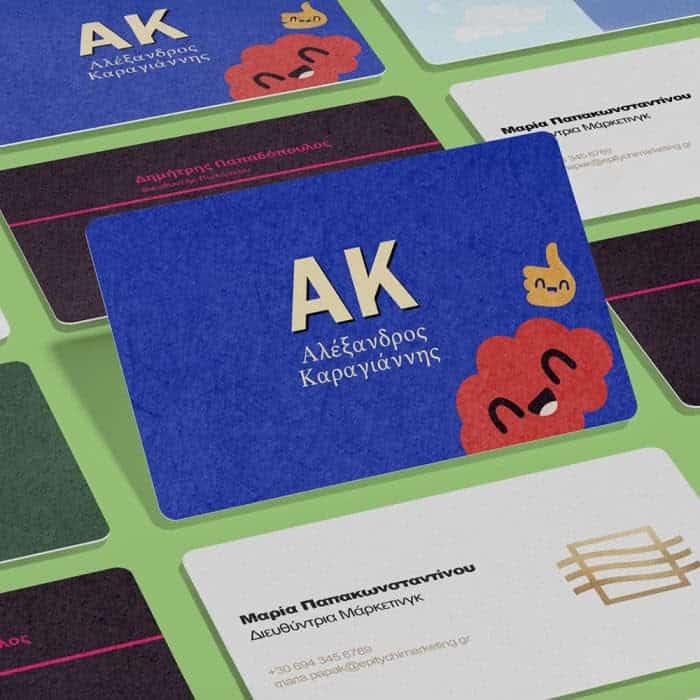
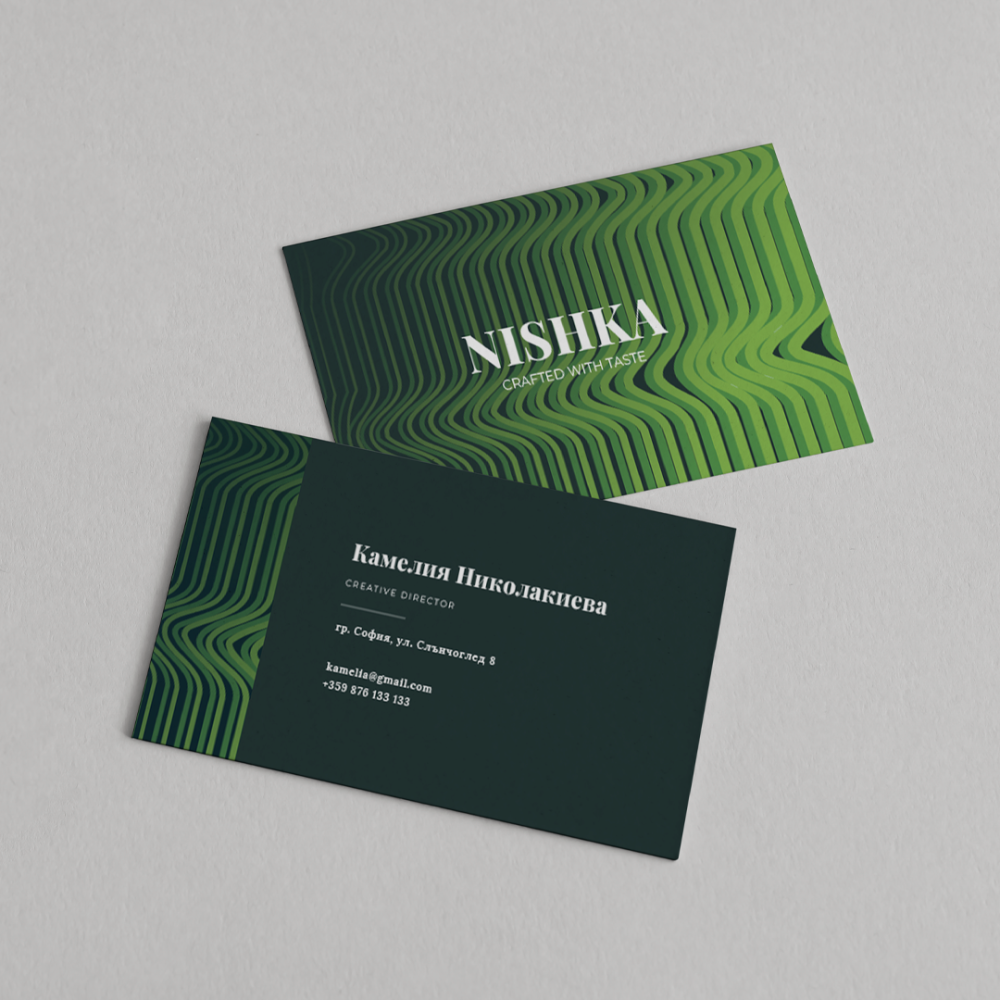
Business cards are a business etiquette that should not be overlooked. The specifics of the business offered can be conveyed through the card – for example, presenting an art studio by depicting splashes of oil paint on the paper or using gold lacquer texture for jewelry businesses – these ideas can be realized single-sided or double-sided. We also offer rounded corners as a finishing option for any type of card.
You can envision the look as follows:
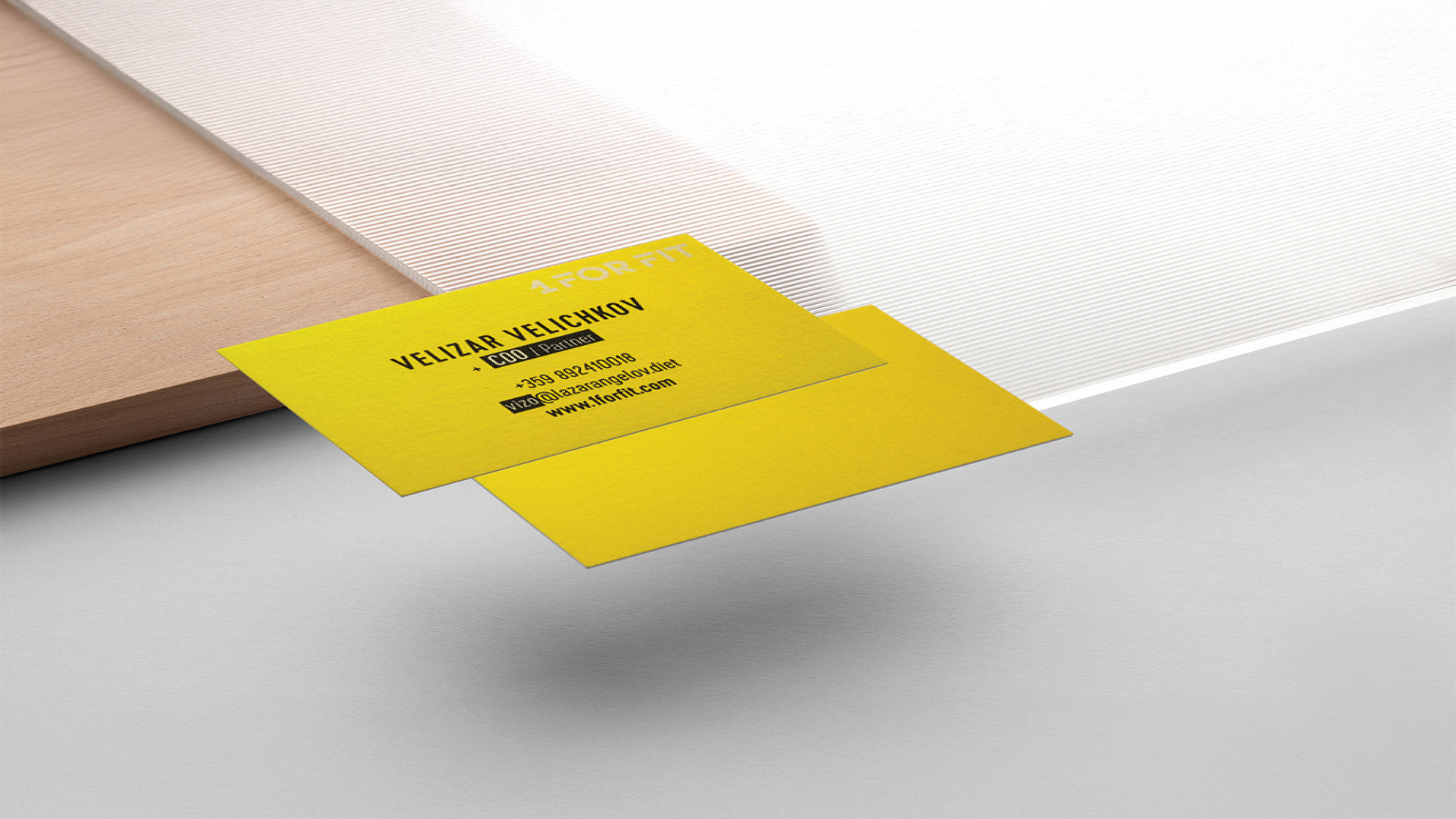
· Standard business cards – standard chrome papers with multicolor/monochrome printing and the option to add gloss or matte laminate. The sizes are standard – 50x85, 85x55, 90x50, 90x55mm.
Go for the classic!
What is the recommended size for standard business cards? – Typically, standard business cards use the most common sizes 85x55 and 90x50mm.
What is the difference between standard, premium, and luxury business cards? – Standard business cards use standard sizes and chrome papers.
Premium business cards are made with special triple-layer, craft, metallic, and embossed papers, on which the print is more impressive.
Luxury business cards use chrome and plyke papers, with multicolor/monochrome printing. There is an option to add gold, silver, or embossed foil to the print.
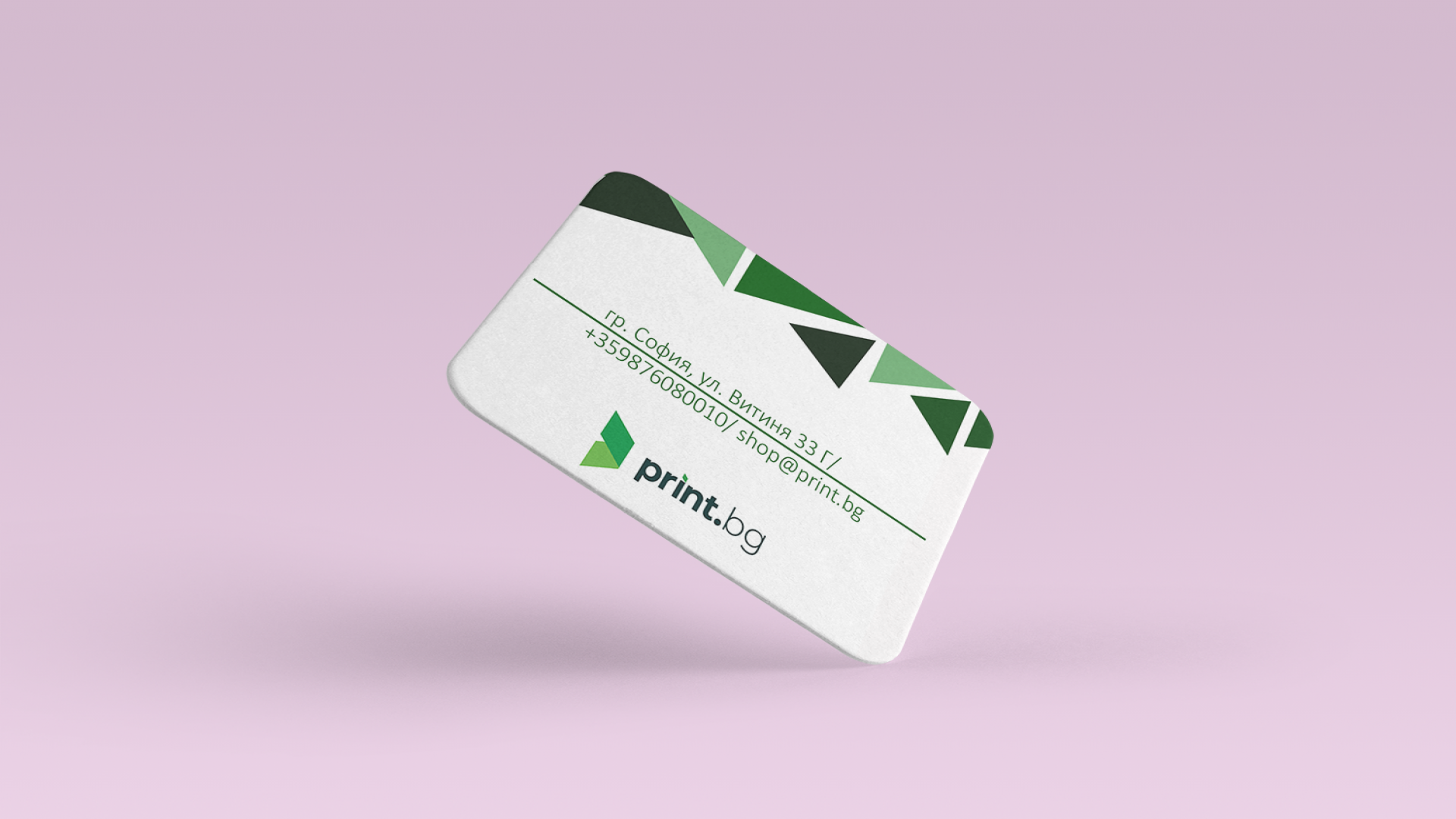
Can I order my business card with rounded corners? – Of course! Choose the section list of Finishing and the second option is Rounded corners.
Before sending your file for printing, you need to follow a few requirements. Regardless of the design program you use, when exporting or saving the file, pay attention to:
- Color – When exporting, select CMYK as the color model;
- Resolution – The file resolution should be at least 96 or ideally 300 dpi;
- File – Preferably export in PDF or, if there is an issue, also in JPG, PNG, TIFF, EPS;
- Text – The font size should be at least 8 pt to be readable on the print. Let's act boldly!
- Lines – Minimum line thickness of 0.5 pt (1/2 pt) to be visible on the print;
- Printable area – When printing and cutting to the exact size with an outline, leave at least 2 mm on each side of the image background to avoid a white border upon cutting or affecting the design. Keep in mind that the cutting line should be along the entire length of the print and be visually visible 2 mm inside (with a distinguishable color from the print – e.g., a yellow outline on a dark background).
We didn't scare you off, did we?
If you still need a specialist - hire our designer!
See More
If you have not yet found your print material, check out our offers